
How AI Can Help Protect Your Focus, Energy, and Productivity
By: Lisa Chang, Digital Tech Expert
For many professional Canadians, work doesn’t end when the laptop closes or the workday officially wraps. It lingers on as unread emails, unfinished thoughts, and the quiet pressure of feeling endlessly behind. Productivity is no longer being defined by how much we do, but by how sustainable our work actually feels, and the data backs it up.
Microsoft’s Work Trend Index reveals a growing divide: while 39% of Canadian leaders say productivity must increase, 76% of workers say they lack the time or energy to do their job effectively. Modern work isn’t just physically exhausting, it can be mentally relentless with endless emails, meetings, messages, documents, decisions.
That’s why many professionals are quietly using AI for communication and productivity support. In fact, a recent national study commissioned by Microsoft Canada shows 47% of Canadians say AI helps them refine written communication and feel more confident before sending important messages, which in turn helps reduce the mental load of constant digital interaction.
The brain is constantly task switching, tracking loose ends, and holding information it shouldn’t have to. This “invisible work” is what drains people most, and it doesn’t shut off after hours. This is where AI (when used intentionally, ethically and skillfully) becomes less about speed and more about relief.
For years, AI has often been thought of as a way for employers and workers to produce more, but what’s resonating with Canadians now is something quieter and unexpected. AI is increasingly becoming a supportive layer—helping reduce repetitive administrative work so people can focus on creative, higher-value tasks.
They’re already seeing this play out in everyday workflows. For example, 30% say AI helps transform meetings into actionable follow-ups by capturing discussions and organizing next steps, reducing the cognitive effort required to track what happens after a meeting ends. AI is not a replacement for thinking or judgement, but a buffer against the repetitive, administrative, and mentally draining tasks that consume energy without adding meaning.
This shift is especially noticeable among people already working inside the Microsoft 365 ecosystem, where email, calendars, documents, and meetings form the backbone of work life. Instead of adding another platform to manage, AI tools embedded into these environments are reducing friction where it already exists.
Tools like Microsoft 365 Copilot are gaining traction because they work within the systems organizations already trust—operating within existing permissions, security controls, and workflows—rather than requiring employees to adopt yet another disconnected platform. These are small applications, but together they can help reduce mental strain for the average working Canadian.
How? Instead of starting the day in reaction mode, carrying the unfinished to-do list in their head, or spending precious energy on the mundane, people can begin their day with clarity and reserve focus for bigger and more impactful decisions, creativity, problem solving, and connection.
Containing Work So Life Can Expand
One of the most powerful, and least talked about benefits of AI is its ability to contain and organize work for us. When tasks feel disorganized or endless, work spills into our personal life. When information is clear, summarized, and prioritized, it becomes easier to mentally clock out.
AI helps boost productivity by:
- Clarifying what actually needs attention
- Reducing re-reading, rewriting, and repetition
- Creating smoother transitions between meetings
- Helping people ease into their workday instead of starting behind and already in panic mode
These are practical ways to reduce cognitive load and make the workday feel more manageable.
A Gentler Definition of AI Effectiveness
There’s a misconception that using AI means disengaging or cutting corners. In reality, the most effective users are deeply involved, always upskilling, and they simply choose where their energy goes. AI can do the drafting, summarizing, and organizing while humans can refine, make better decisions, and create more meaning and impact.
Microsoft’s research shows the rise in the “Frontier Firm,” which are organizations that redesign workflows around AI to reduce unnecessary effort and decision fatigue rather than simply increasing output expectations.
This matters in a world where people are balancing work, caregiving, parenting, financial and personal goals, and constant digital noise. AI isn’t only about doing more; it’s also about reducing lower-value work and helping people focus their energy where it matters most. When used thoughtfully, it can mean spending less time on tasks that don’t move work forward and more time on the bigger things that do.
As we look ahead, our concept of productivity is quietly being redefined.
How much you produce is no longer measured by:
- How busy you appear
- How fast you respond
- How much you output
- How accessible you are
Now the most productive working professionals are increasingly measured by:
- Focus
- Clarity
- Sustainable performance
- Continuous upskilling
- Meaningful impact
- Wellbeing
AI supports this shift not by pushing people harder, but by removing “friction.” For Canadians already embedded in Microsoft tools, leaning into AI is allowing the system to work for you, helping to make work feel more manageable. It’s when mental load is reduced and people’s nervous systems feel calmer, when work feels contained and life feels fuller, and when energy is protected, and creativity, community, teamwork, and presence return.
In 2026, spending less time on busywork doesn’t mean caring less. It challenges long-held assumptions about what hard work is supposed to look like. This year, it can mean working more intentionally with tools that respect our human limits and give us the space to be our most creative selves.
Your AI Action Items
- Ask an AI tool like Copilot to summarize long email threads before responding
- Use it to prep meeting notes and agendas
- Let it draft first versions and then edit by adding your own voice
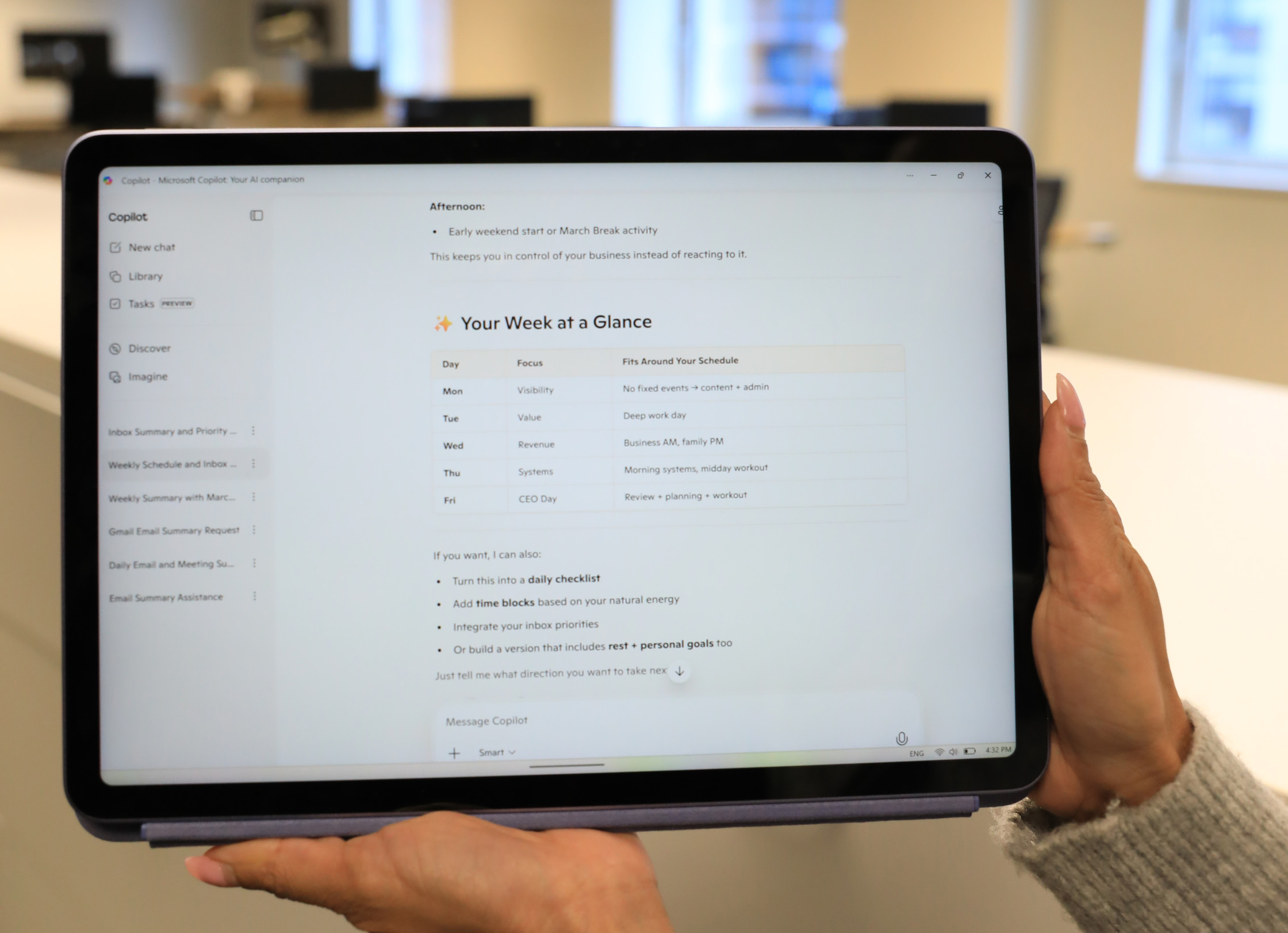
- Start your day with a summary, not your inbox
The goal isn’t AI mastery all at once; rather it’s about building momentum, and once you start, you’ll wonder what you were doing before.